
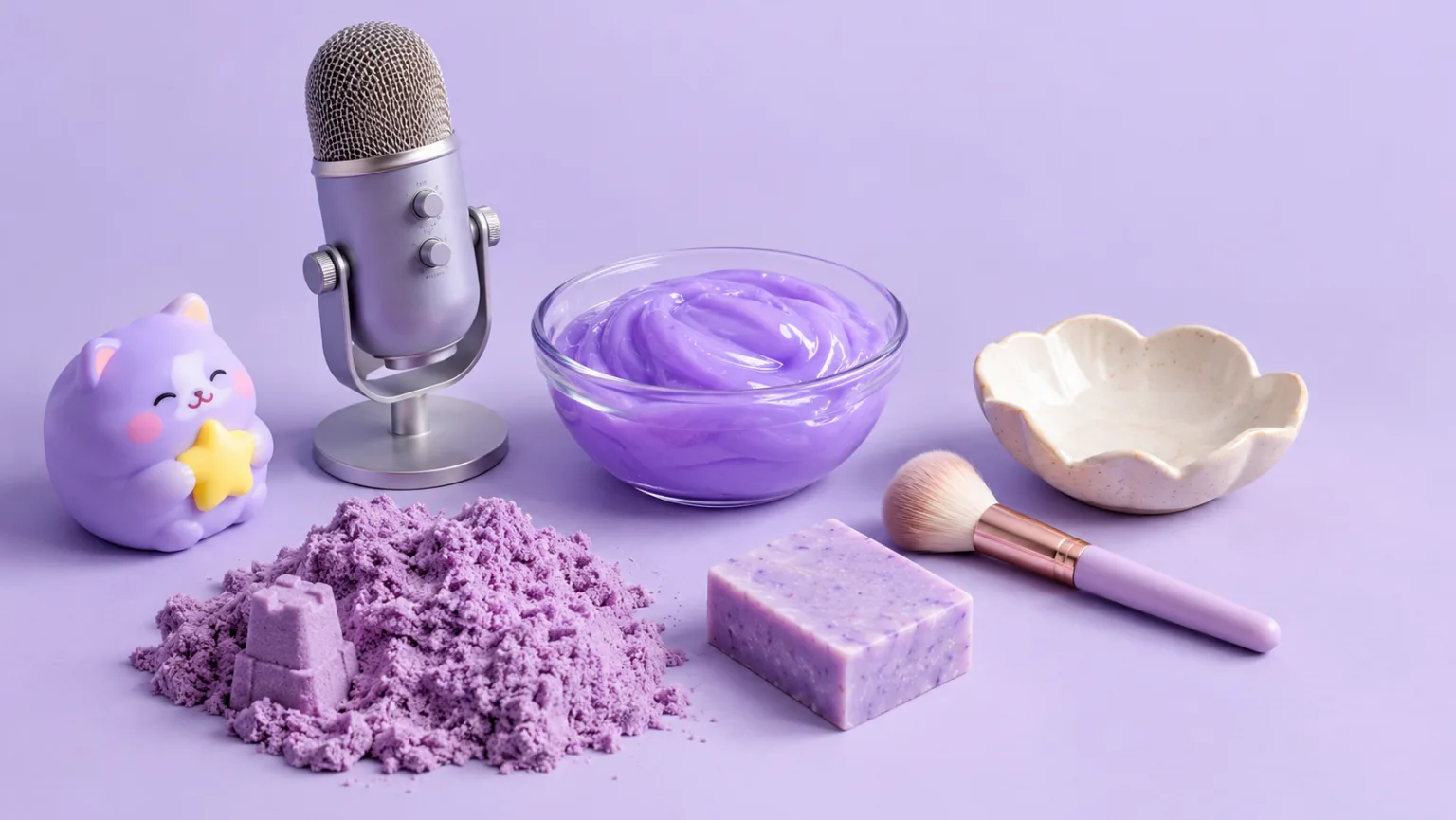
ASMR creation tools
ASMR video and image generators
Choose a workflow by the texture you want to create, from squishy toys and slime to kinetic sand, soap cutting and mukbang-style food close-ups. Every page opens a working image or video workspace.
ASMR Tools
ASMR video and image generators
Pick the next workflow that matches the texture, motion or subject you want to create.
AI ASMR Video Generator
Turn a text prompt or a still image into a short, satisfying ASMR clip. Squishy ASMR gives you a working video workspace, starter prompts and separate workflows for squishy, slime, sand, soap and food textures.
ASMR Video Generator
Make calm, tactile ASMR clips without building a studio scene from scratch. Start with a prompt or a still image, choose the motion and generate a short video you can review, refine and publish.
Squishy Video Generator
Create soft, satisfying squishy videos from a prompt or a still image. Focus on the press, the rebound and the surface texture, then generate a short clip that feels tactile at thumbnail size.
Squishy ASMR Generator
Create squishy ASMR videos built around touch, sound and a slow reveal. Use the workspace to shape a close-up, control the compression and keep the visual rhythm calm enough to loop.
Satisfying Video Generator
Generate oddly satisfying videos built around a clean action, a readable texture and a loop that invites another watch. Start with a prompt or a still image and keep the frame focused on the moment that pays off.
Slime Video Generator
Create glossy slime videos that show the stretch, the fold and the bubble instead of hiding them. Start with a prompt or a still image, then generate a short clip with a clean background and a readable motion path.
Kinetic Sand Video Generator
Create kinetic sand videos built around crisp cuts, clean edges and the soft collapse of textured blocks. Start with a prompt or a still image, then generate a short clip that keeps the geometry readable.
Soap Cutting Video Generator
Create soap cutting videos with a clean slice, a visible shaving and a calm close-up rhythm. Generate a short clip from a prompt or still image, then refine the edge and the lighting.
Mukbang Video Generator
Create mukbang-style food close-ups without a full production set. Focus on steam, gloss, crunch and the moment a texture changes, then generate a short clip for social video or a menu preview.
ASMR Image Generator
Generate calm, tactile ASMR images for covers, thumbnails, channel art and product previews. Start from text or edit an existing still, then keep the palette and texture consistent with your video workflow.
Turn one clip into a repeatable series
Once a clip works, the next gain comes from repetition with a controlled change. Keep the same camera, light and surface, then change one variable: the object, the color or the speed. That gives you a series that feels related without looking copied.
Use the related workflows deliberately. A still image can become a cover, a short clip can become a loop, and a second texture can become the next post. Save the prompt and settings for each approved result so you can rebuild the series when a model changes.
Review the series on a phone before publishing. If the clips only make sense side by side on a desktop, the visual anchor is too weak. A strong series should be recognizable from any single frame.
- Keep one visual anchor: camera, light or surface.
- Change one variable per variation.
- Link the still, the loop and the next texture into one series.
Model and provider notes
Image workflows use the configured KIE model catalog, including GPT Image 2, Nano Banana 2, Seedream, FLUX and Qwen where available. Video workflows use the configured Seedance provider chain, with fallback routing to KIE, WaveSpeed, SeeAPI, fal or Replicate where enabled. Model availability, resolution, duration and credit cost depend on the workflow you select.
AI output varies between runs. Check hands, reflections, text, anatomy and motion before publishing, and label synthetic media where your platform requires it.